Write. Check. Ship.
Keep AI changes inside your architecture.
ArkGate blocks invalid writes, gives the agent one next step, and enforces the same rules in CI.
- Block bad imports
- Guide the next change
- Keep main green
That is Contener · Guiar · Ordenar.
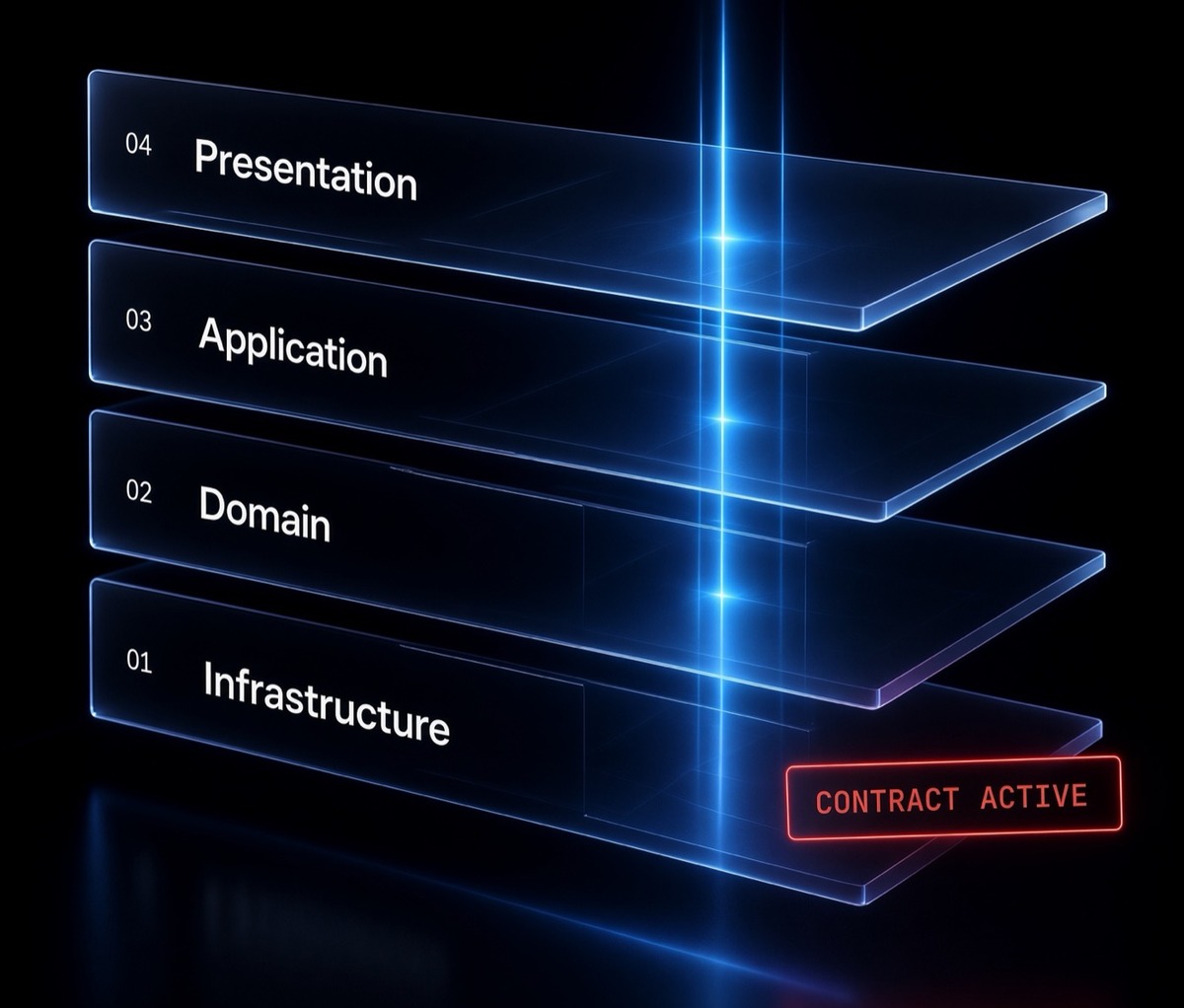
- 04 Presentation
- 03 Application
- 02 Domain
- 01 Infrastructure — rules file active
The product
Contain. Guide. Order.
Three jobs. One check at write and at merge.
Block bad imports
A bad import does not land. The same check fails the pull request.
Guide the next change
Status shows one light and one next move. Skills later, when you ask.
Keep main green
Required CI owns the merge. Leftover mess is named, not scored.
02 / One minute
Install. Apply. Run doctor.
Four lines. That is the product. Stuck? Run
arkgate-check --doctor. Do #1.
03 / Rules file
Domain does not import Infrastructure. As data.
The rules file is ark.config.json.
Agents read it. CI enforces it.
{
  "include": ["src"],
  "layers": [
    {
      "name": "Domain",
      "patterns": ["src/domain/**"],
      "forbiddenGlobals": ["fetch", "Date.now"]
    },
    { "name": "Infrastructure", "patterns": ["src/infrastructure/**"] }
  ],
  "rules": [
    { "from": "Domain", "to": "Infrastructure", "allowed": false }
  ]
}src/domain/order.ts
Domain cannot import Infrastructure.
04 / Doctor
One light. One next move.
Thin or new tree
Finish start. Run doctor again.
Not fully protected
Do action #1 until the light moves.
Honest edges
Boundaries hold. Keep required CI.
Imports clean. Design not finished.
One small refactor at a time.
Optional extra
Need to freeze a billing plan? That’s ArkOrder.
Off unless you turn it on. Proof lives on GitHub, not in the npm tarball: examples/arkorder-billing ↗.
One minute
Contain. Guide. Order.
Keep AI changes inside your architecture.